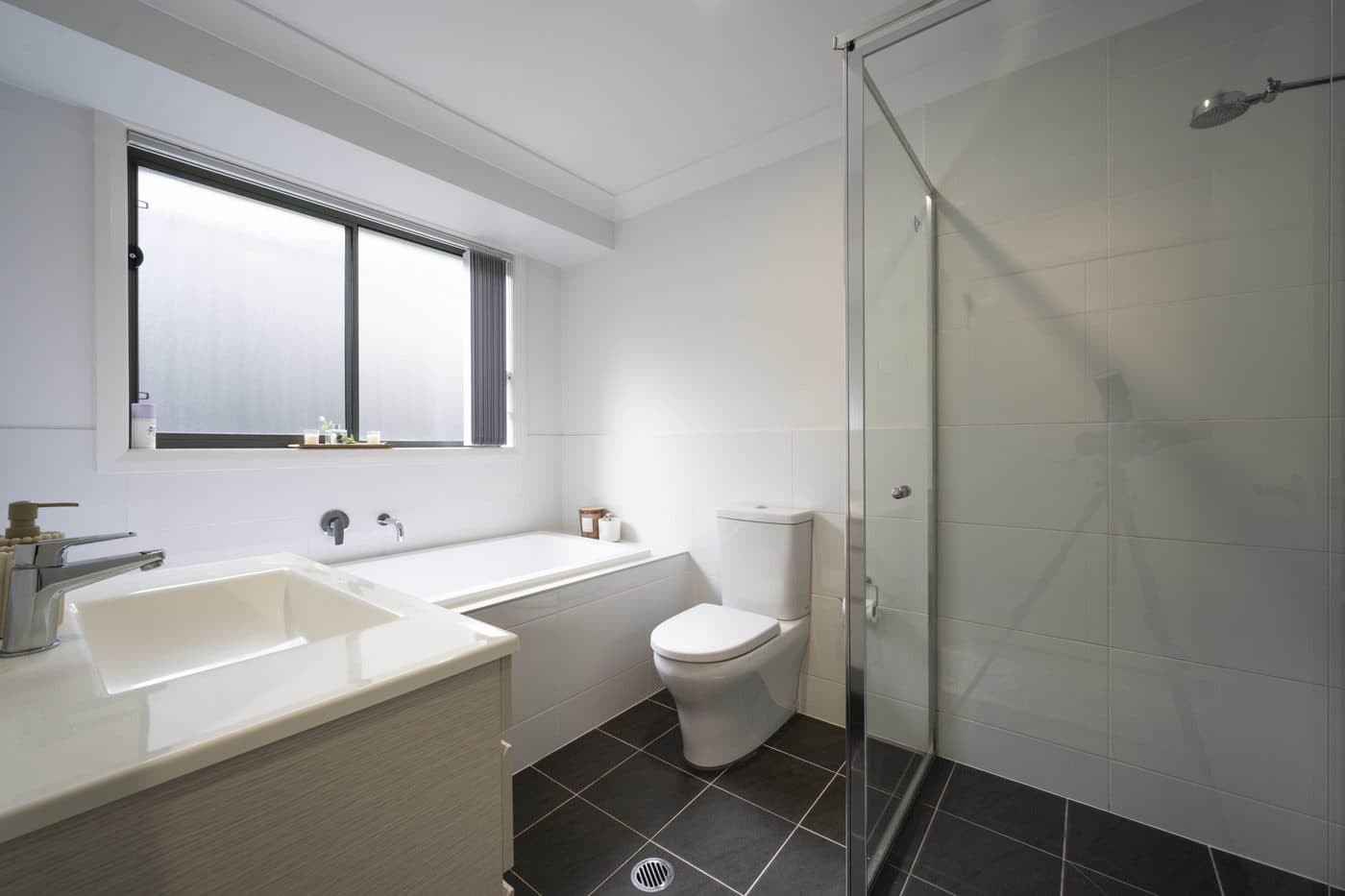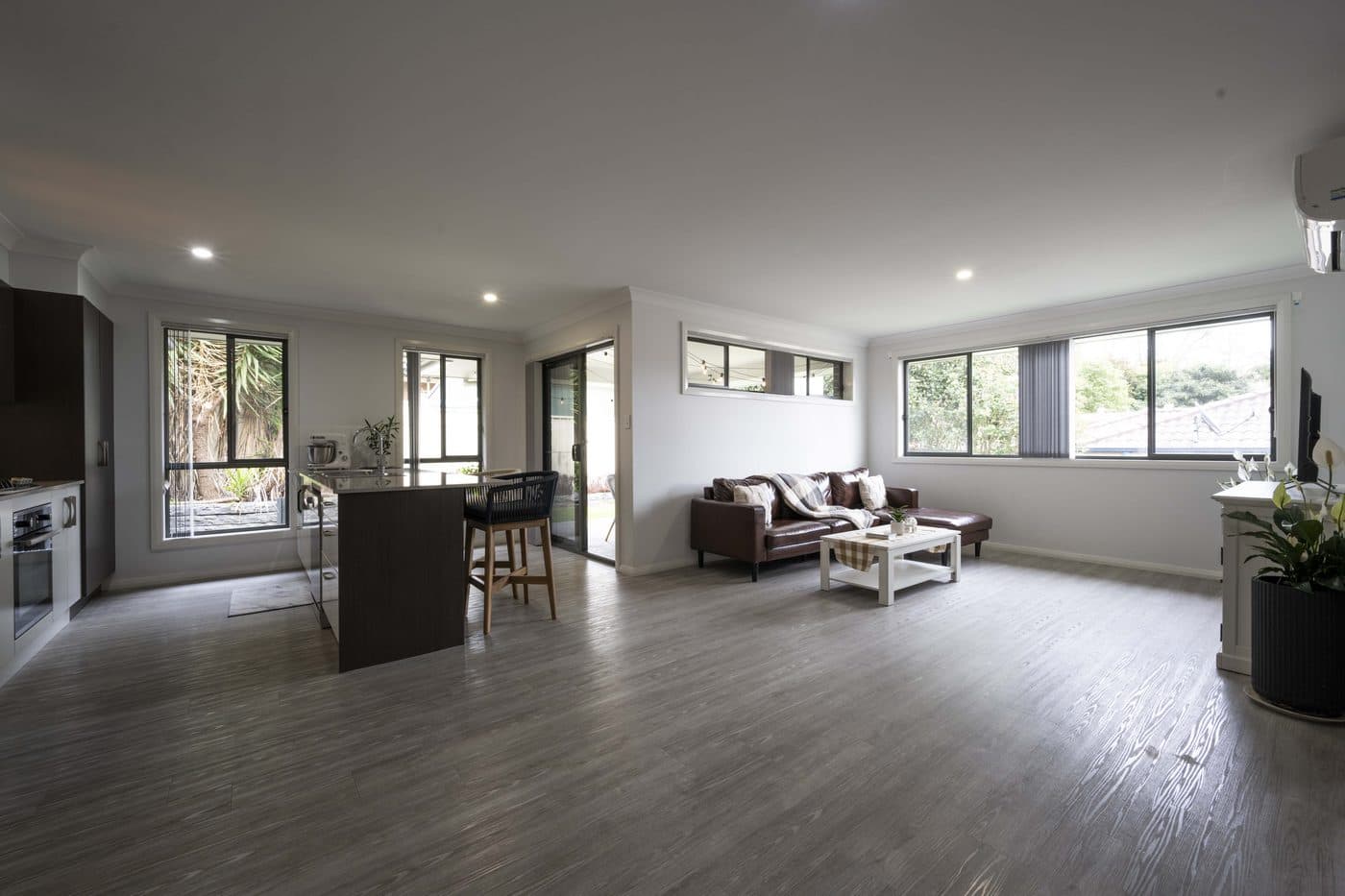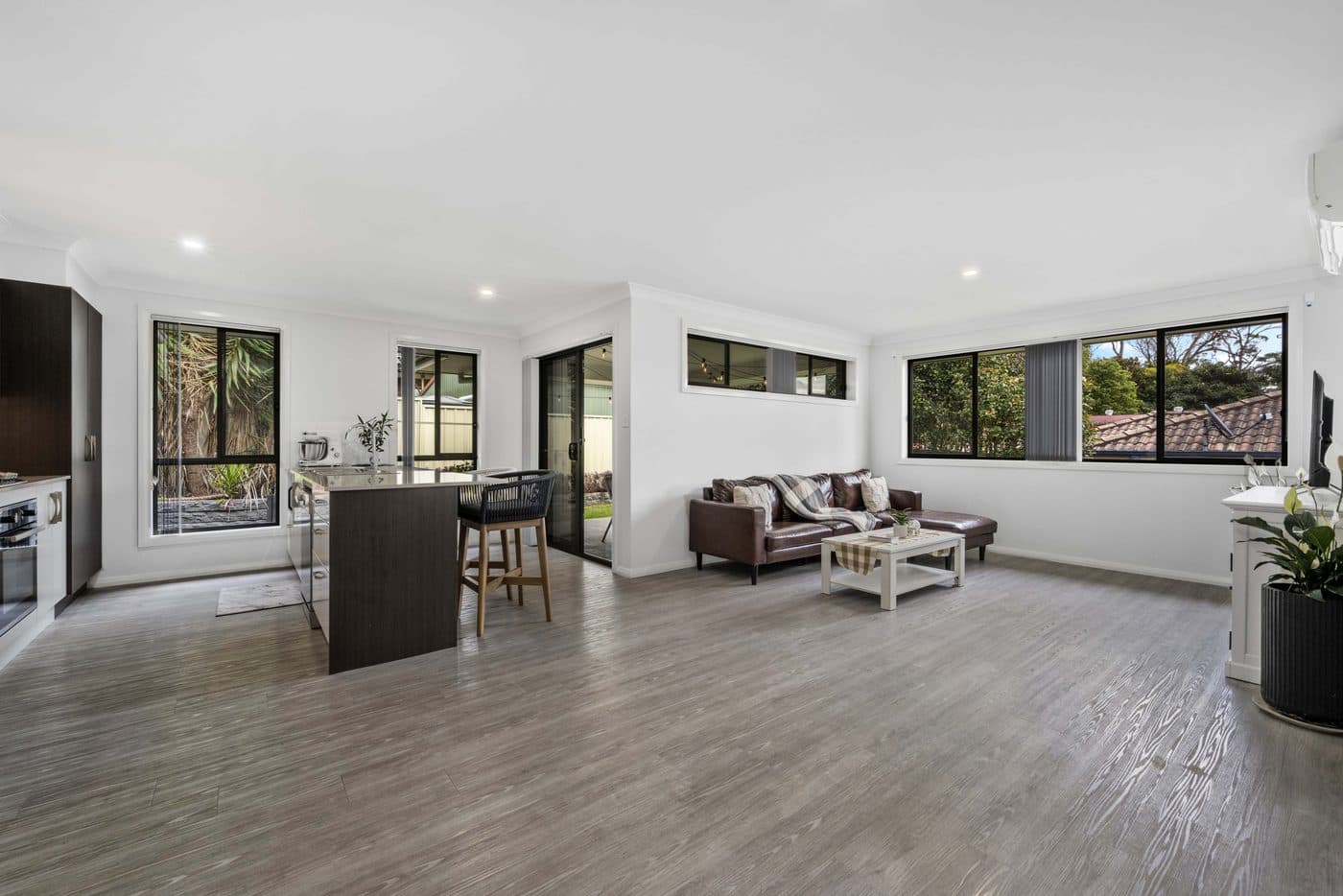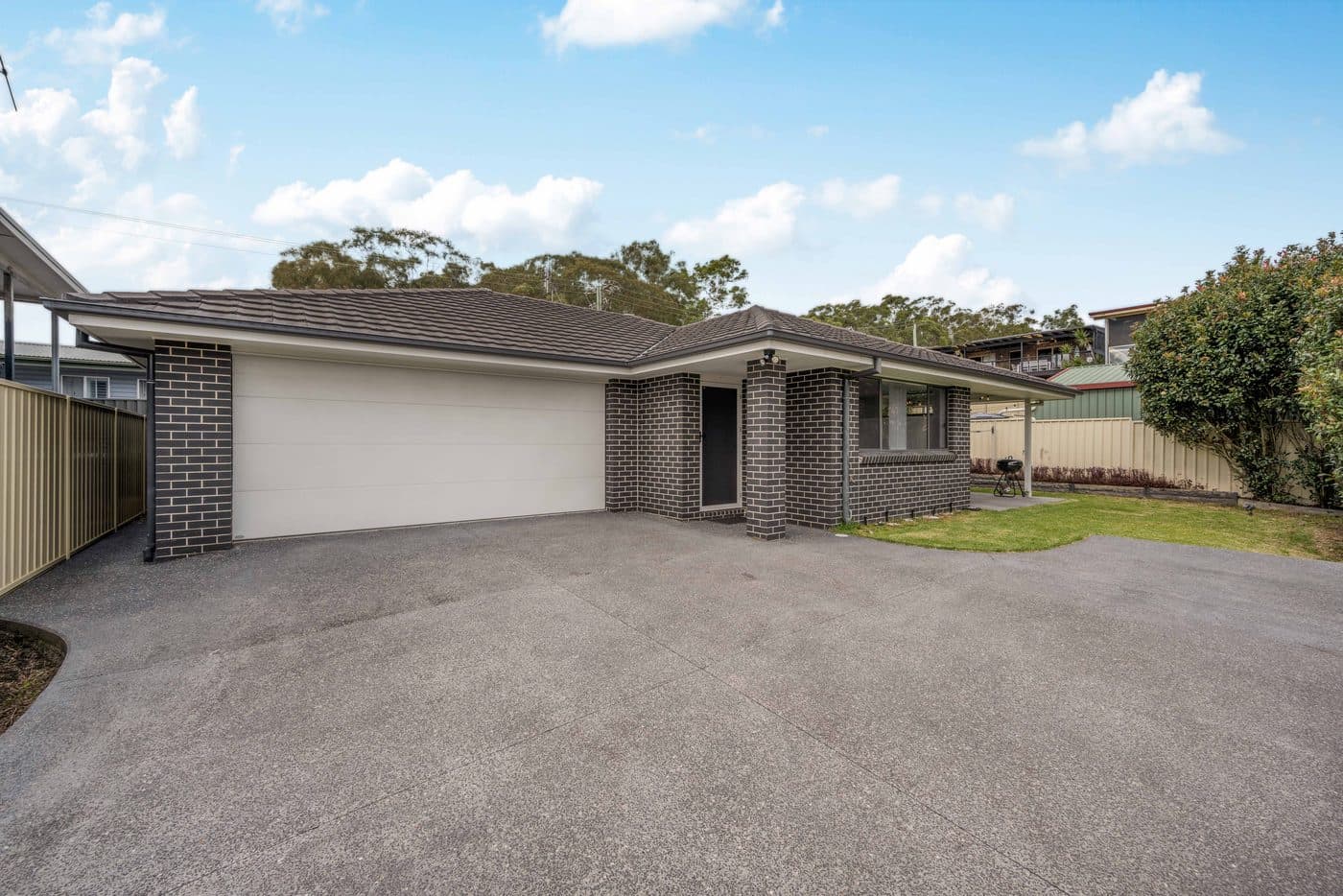
Real estate photo production

Finish the shoot without the overnight editing queue.

Upload single exposures or HDR brackets. BMGenie produces consistent, listing ready images and keeps review, revisions and delivery in one focused workspace.

No card requiredYour first 5 photos includedOriginals kept separate
app.bmgenie.ai

6 Loftus St, Bonnells Bay

Listing production

BM

New listing

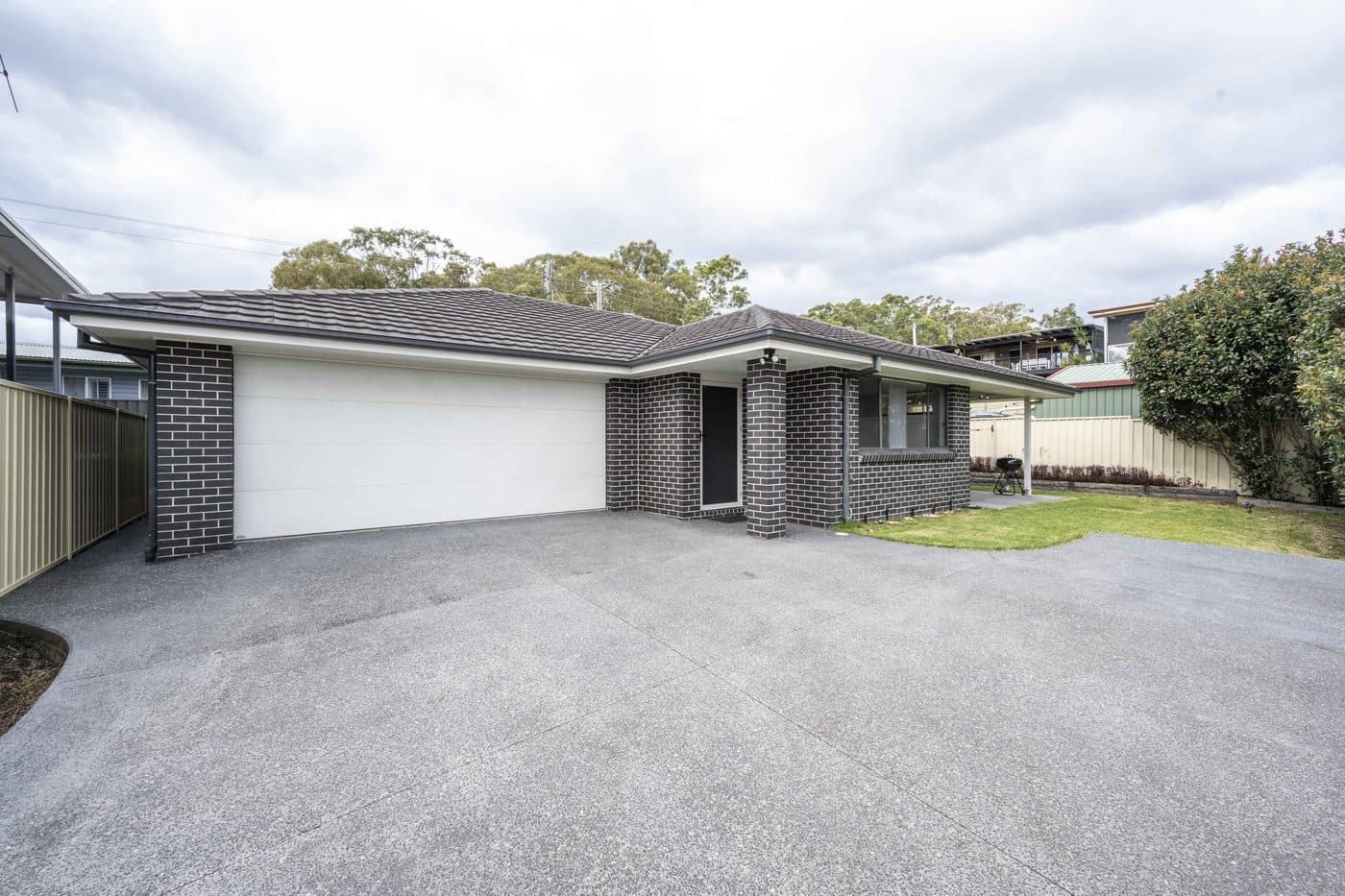
4 photos ready for the next step

Uploaded property photoBracket 01
Uploaded property photoIMG 003
Uploaded property photoIMG 004
Uploaded property photoIMG 005
Drop more JPEG, PNG or WebP files here

Real production results

Judge the finish frame by frame.

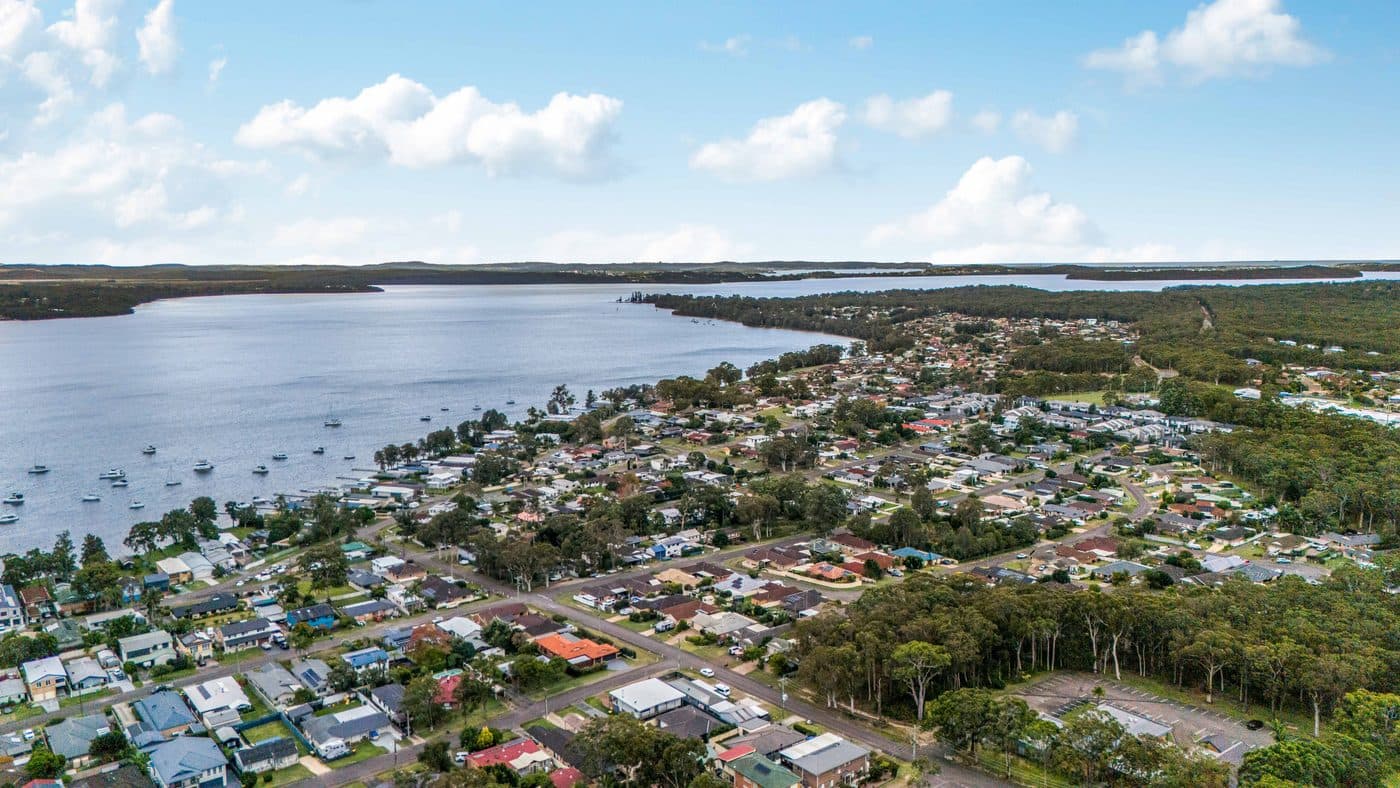
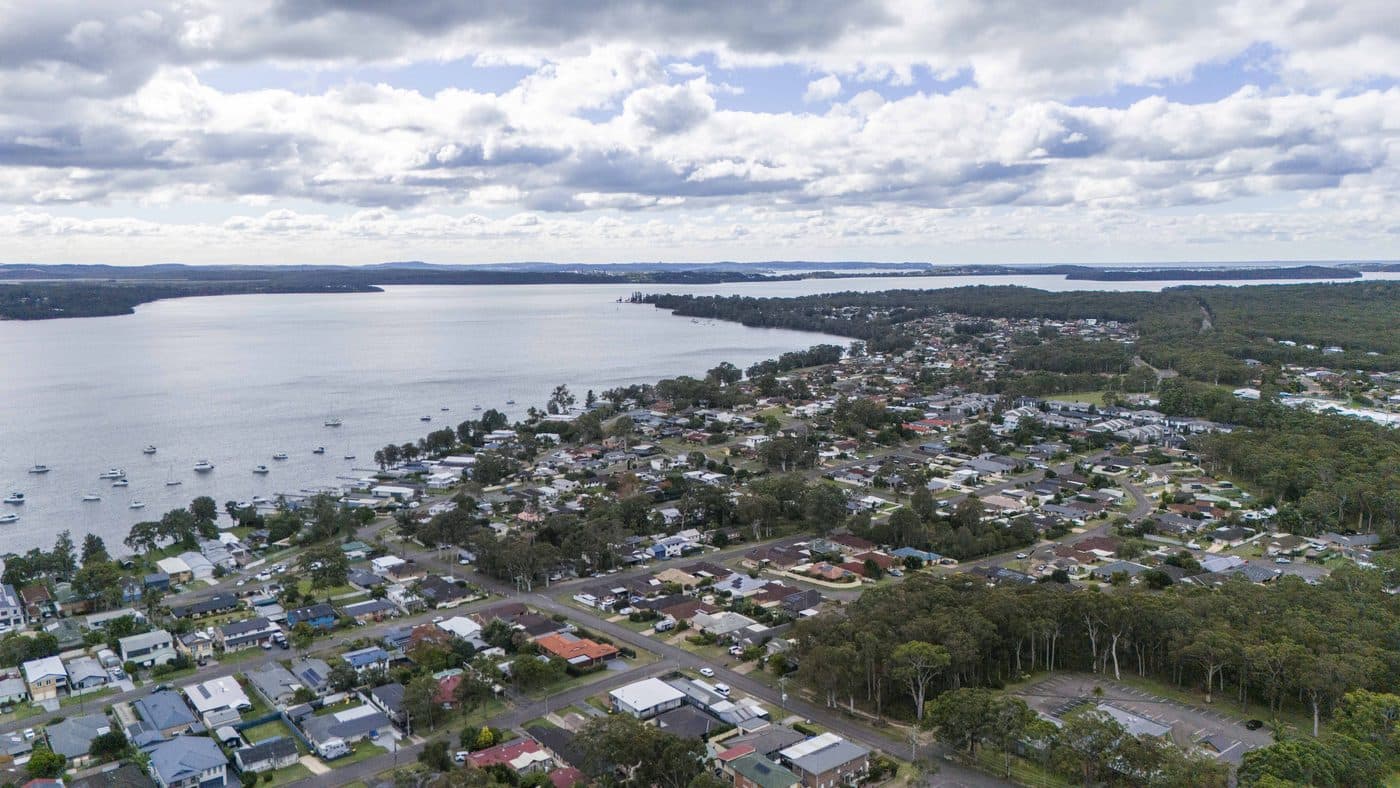
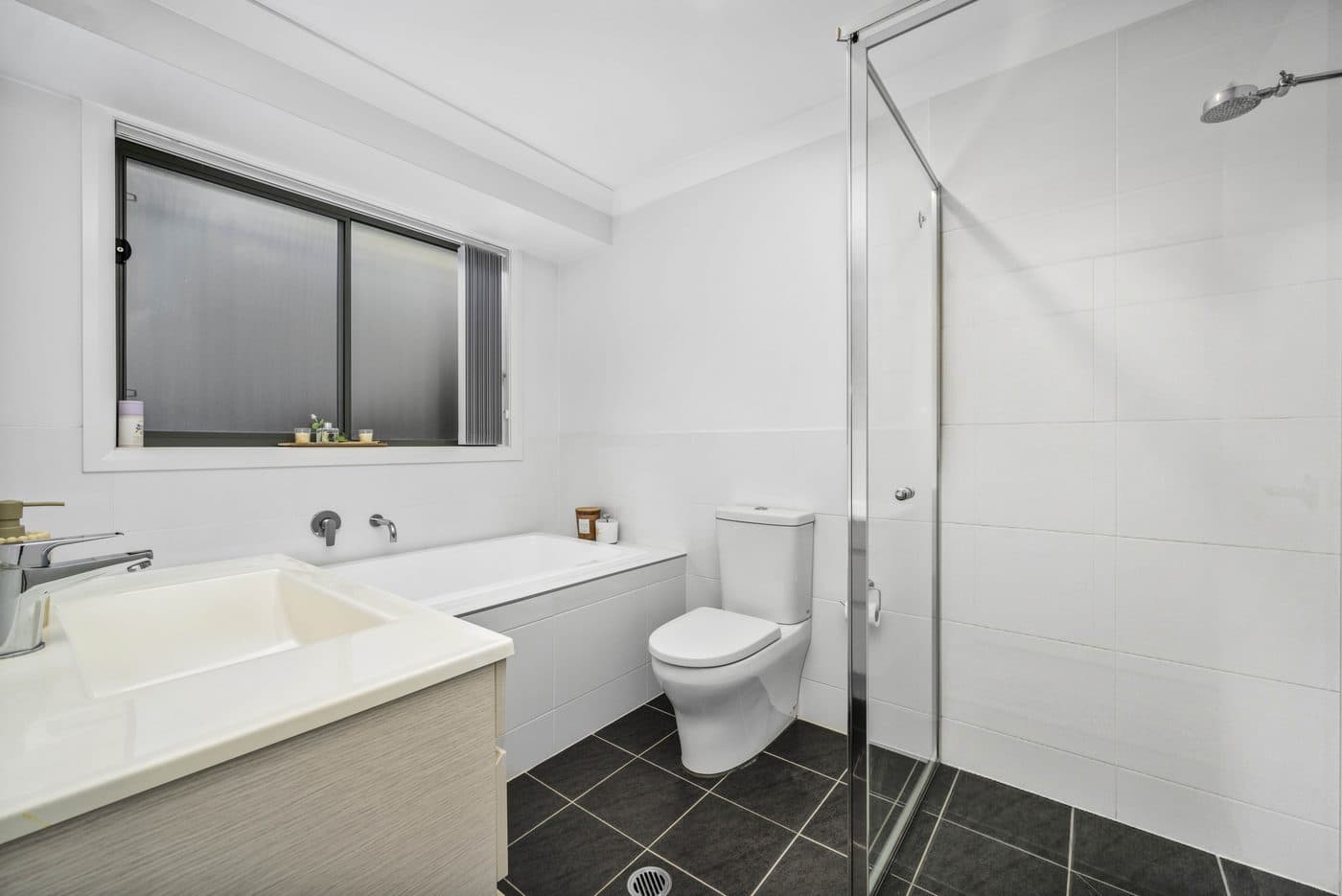
Choose a property, then drag across each image to inspect the actual before and after result.

6 Loftus St Bonnells Bay - Before and after comparison 1
Before - 6 Loftus St Bonnells Bay - Before and after comparison 1
Before
After
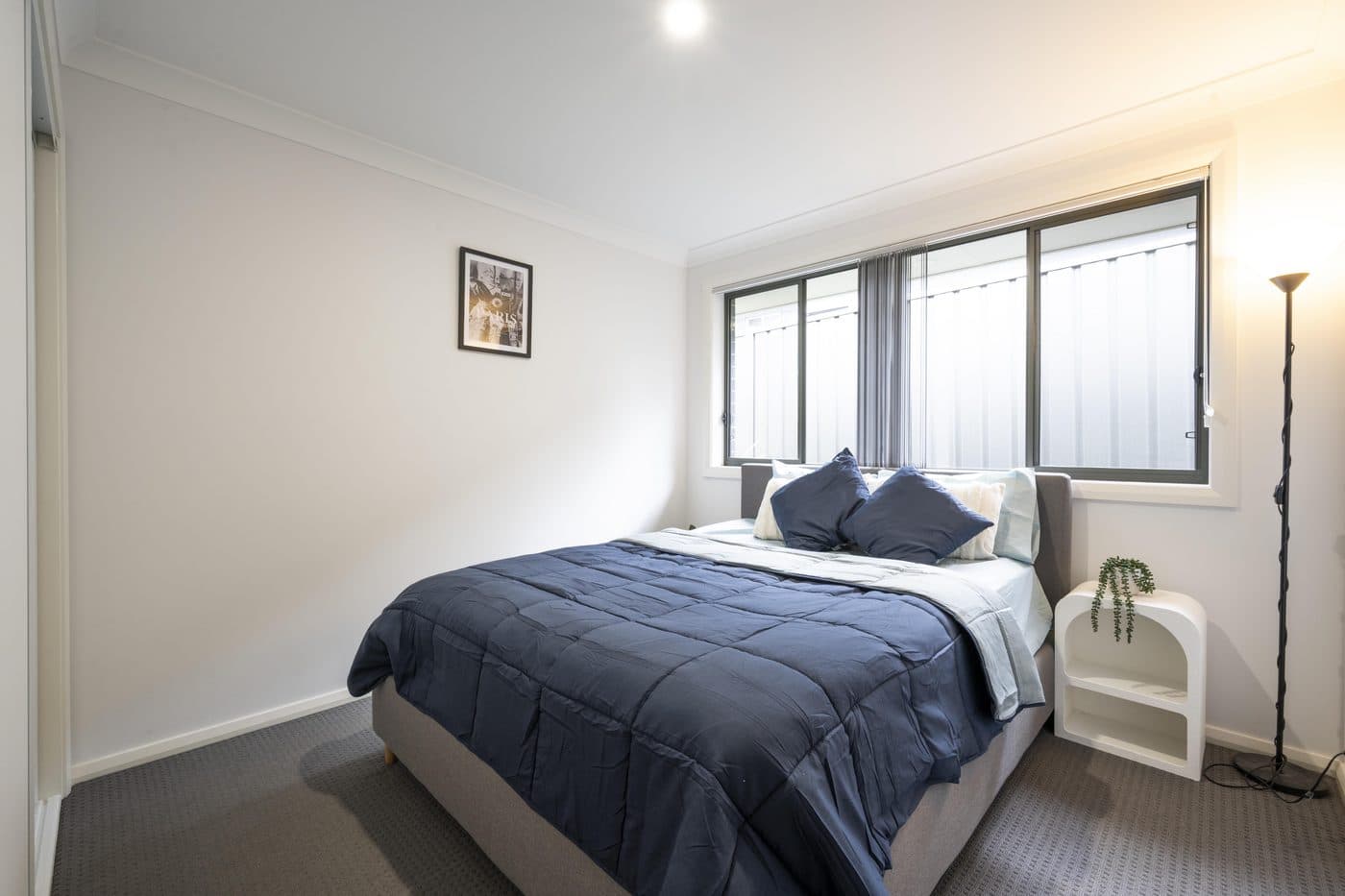
6 Loftus St Bonnells Bay - Before and after comparison 2
Before - 6 Loftus St Bonnells Bay - Before and after comparison 2
Before
After
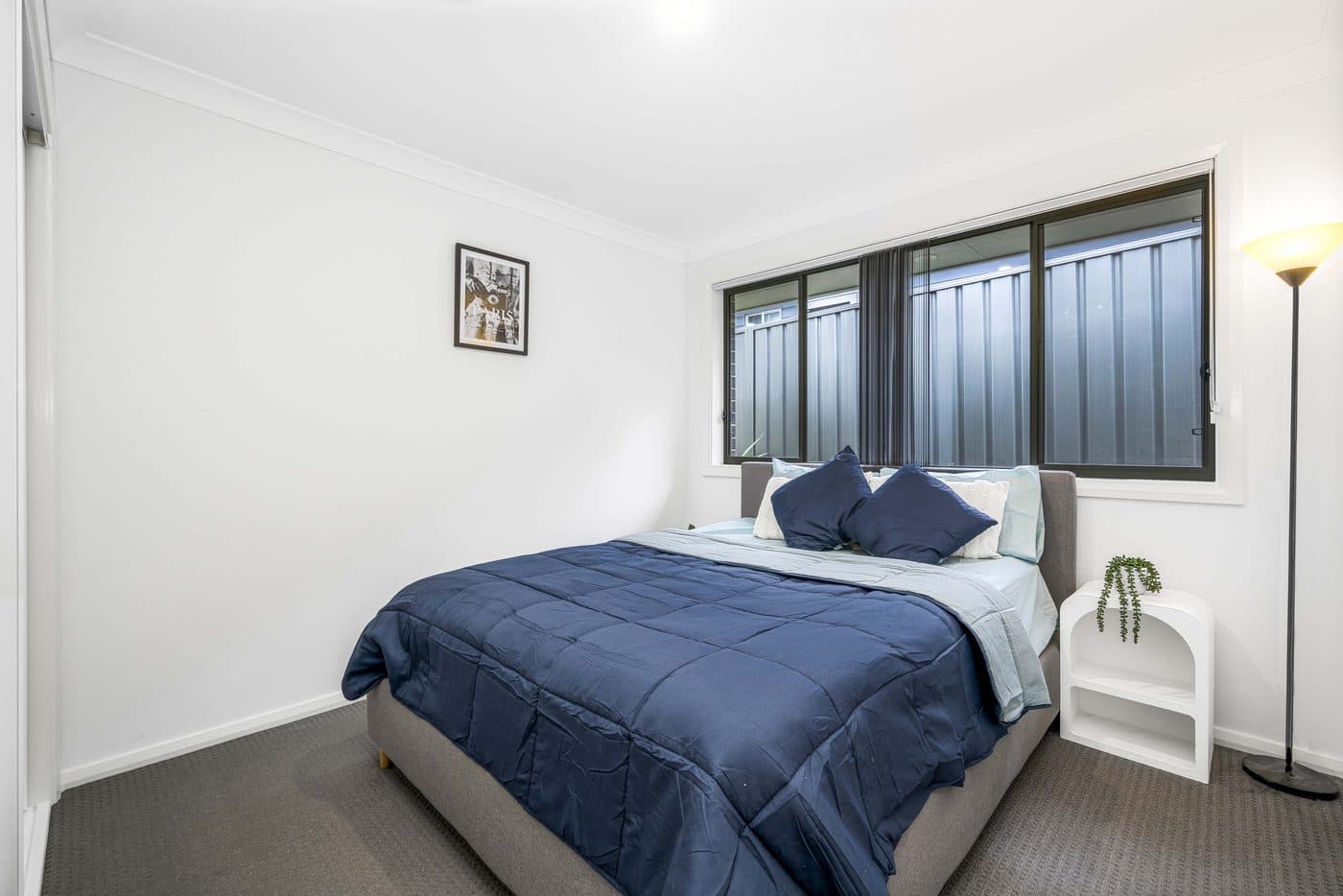
6 Loftus St Bonnells Bay - Before and after comparison 3
Before - 6 Loftus St Bonnells Bay - Before and after comparison 3
Before
After

One production rail

From camera files to client delivery.

The work stays visible from the first upload to the final file. No loose folders, mystery status or disconnected handoff.

  1. 01

    Upload the shoot

    Send high resolution JPEG, PNG or WebP files with resumable uploads built for real production batches.

  2. 02

    Set the look

    Choose a controlled enhancement preset for the listing, including natural sky and day to dusk options.

  3. 03

    Review every frame

    Track processing image by image, compare the result and keep the original available for reference.

  4. 04

    Deliver the listing

    Keep completed media, revisions and delivery history attached to the listing inside one workspace.

The BMGenie production system

Every promise backed by a product workflow.

No decorative dashboard screenshots. These demonstrations mirror the controls and states used in the current BMGenie workspace.

01 · Ingest

Bring the whole shoot in without babysitting uploads.

Resumable transfer keeps large listing batches moving. Single exposures and HDR brackets stay organized before enhancement begins.

  • Up to 100 photos per listing draft
  • JPEG, PNG, WebP and camera RAW
  • Bracket grouping before processing
New listing · Upload

6 Loftus St

Resumable batch upload
18%
Property photo uploading
DSC bracket set 013 exposures

02 · Control

A repeatable finish without an open ended prompt.

Choose from the production presets available inside BMGenie. The analyzer and editor work inside a controlled real estate photography brief.

  • Five production presets
  • Sky and day to dusk options
  • Property fidelity controls
Edit images · Presets
Enhanced property previewPreviewArchitecture preserved

03 · Process

See useful results before the full listing is done.

Every image has its own job state. Completed frames appear progressively while the remaining queue keeps moving.

  • Per image status
  • Bounded processing queue
  • Retry and failure visibility
Listing · Processing

Progressive results

Completed images appear as they finish

0/4 ready
Listing processing thumbnail

Living room

Natural + Sky

Enhancing
Listing processing thumbnail

Kitchen

Natural + Sky

Queued
Listing processing thumbnail

Primary bedroom

Natural + Sky

Queued
Listing processing thumbnail

Bathroom

Natural + Sky

Queued

04 · Deliver

Keep approval, revisions and delivery in one record.

Review the enhanced set, request a revision when needed and approve a private client delivery from the listing workspace.

  • Originals and outputs separated
  • Revision history
  • Private client portal
Listing · Review and delivery
Approved listing media
Private portal ready4 photos

Private media is the baseline.

The production path is built around authenticated access, private object storage and time limited media operations.

Read security overview

Private objects

Uploaded originals and processed outputs are not published as an open media directory.

Scoped access

Listing and media requests pass through authenticated application routes.

Resumable transfer

Large uploads can resume instead of silently restarting from zero.

Separated sources

The enhanced output does not overwrite the original source file.

Launch access

Prove it on your own photos.

Create an account and process five photos at no charge. Teams with production volume can speak with us about launch access.

Evaluate BMGenie

5 photos

Included with a new account

  • No card required
  • Production presets
  • Listing workspace
  • Original and enhanced files
Create free account

Production teams

Need repeat volume?

Tell us your monthly listing volume, team size and delivery workflow. We will confirm the right launch setup before you commit.

Talk to the team

Answers without fine print

Know what is live today.

If your workflow needs something not listed here, ask before moving production.

Which files can I upload?+

BMGenie accepts high resolution JPEG, PNG and WebP files plus CR2, CR3, NEF, ARW, DNG, RAF, ORF and RW2 camera RAW files. Originals remain untouched while a private working copy is prepared for enhancement.

Can I upload a full property shoot?+

Yes. The upload flow supports multi image batches and resumable transfer. Your available photo allowance is checked before a listing is submitted for enhancement.

What happens to my original photos?+

Original and enhanced files are stored separately. This keeps the source available for comparison and prevents the enhanced result from overwriting it.

Does BMGenie support revisions?+

The workspace includes revision records and listing level review. Exact revision availability can depend on the package attached to your account.

Is there a free trial?+

New accounts receive an initial allowance of five photos. No card is required to create an account and evaluate the workflow.

How are my images protected?+

Production media is stored privately. Upload and media access are issued through authenticated, time limited application flows.

Your own shoot is the test

Put five real frames through the workflow.

Start free